
To Edit Reseller Account Profile. Please follow the following steps :-
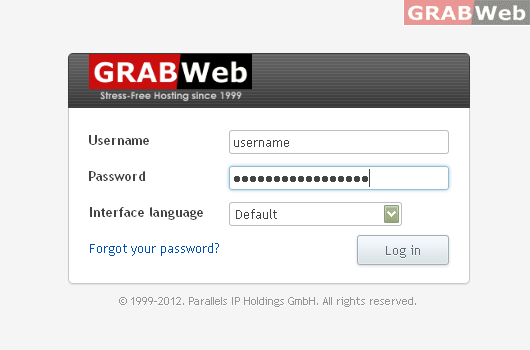
1) Login to Plesk control panel.
2) Click on "Profile Tab"

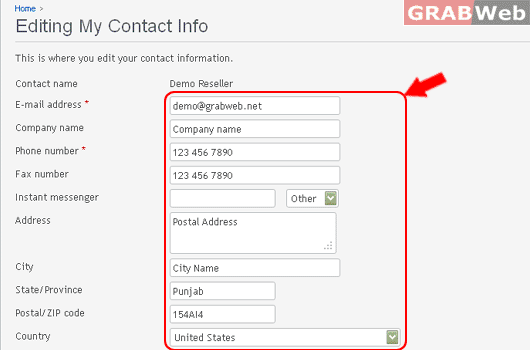
3) There you can make change as required by you.
4) Click Ok.
To Edit Reseller Account Profile. Please follow the following steps :-
1) Login to Plesk control panel.
2) Click on "Profile Tab"
3) There you can make change as required by you.
4) Click Ok.
