
To Change User Account Role Permissions, please follow the following settings:-
1) Login to Plesk control panel.

2) Click on Users Tab

3) Click on User Accounts
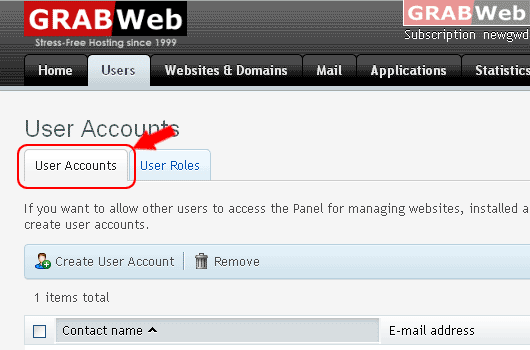
4) Click on Account Name

5) Click on [Edit]

6) There you can modify permission [ Granted / Denied ]

7) Click Ok.
Information: The user role WebMaster was updated.
