
Set up forwarding of e-mail messages to one or several e-mail addresses.
If your mailbox is switched on under the General tab, then copies of e-mail messages will be kept in it.
To Set up forwarding of e-mail messages, please follow the following steps :-
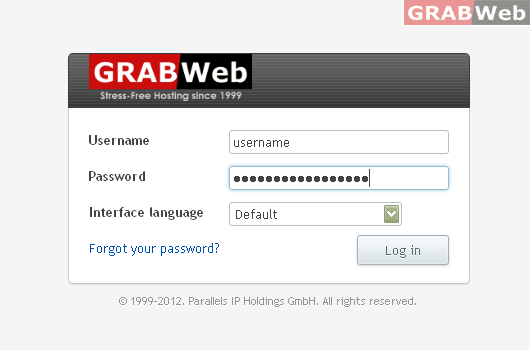
1) Login to Plesk Control Panel.
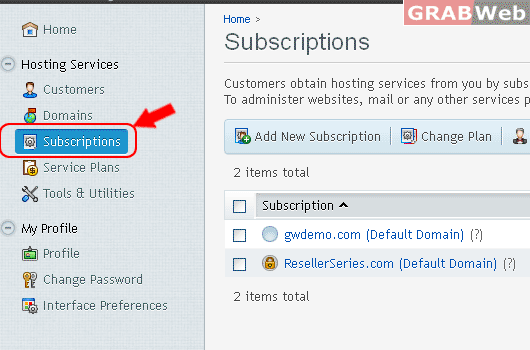
2) Click on "Subscriptions".
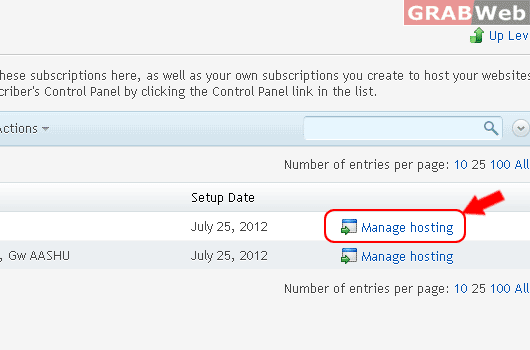
3) Click on "Manage Hosting"
4) Click on "Mail Tab"

5) Click on "E-mail Address".

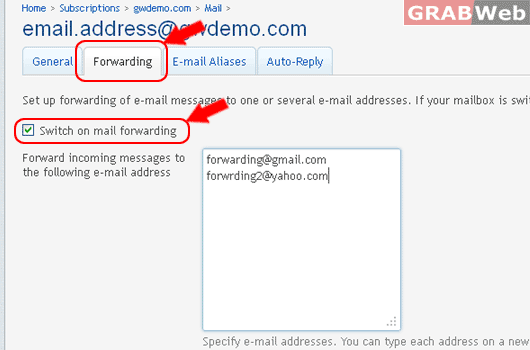
5) Click on "Forwarding Tab" and Click Check box "Switch on mail forwarding"
Forward incoming messages to the following e-mail address
Specify e-mail addresses. You can type each address on a new line, or separate addresses with white spaces, commas, and semicolons.
6) Click Ok.
