
To change reseller account password, Please follow the following steps :-
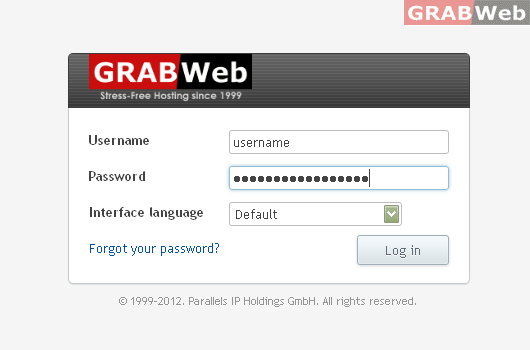
1) Login to Plesk control panel.
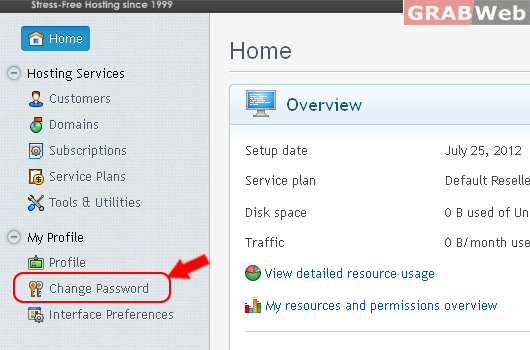
2) Click on "Change Password"
3) Then "Enter the new password" 2 times that you want to keep.
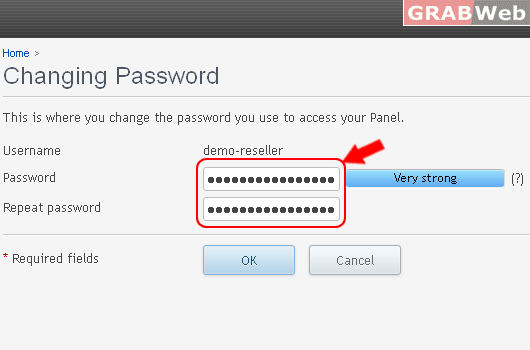
3) Click on "OK" You password will be changed now.
