
To change Customer Login info in Plesk, please follow the following steps:-
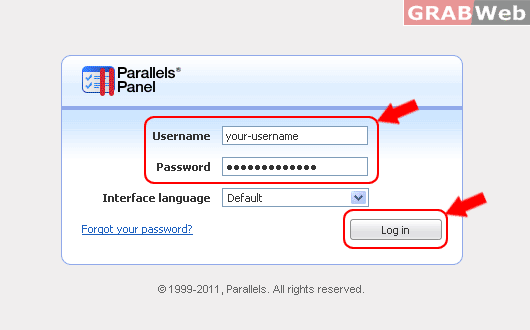
1) Login to your Plesk control panel.
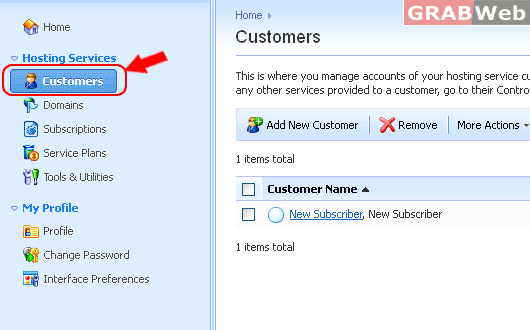
2) Click on The Customers.
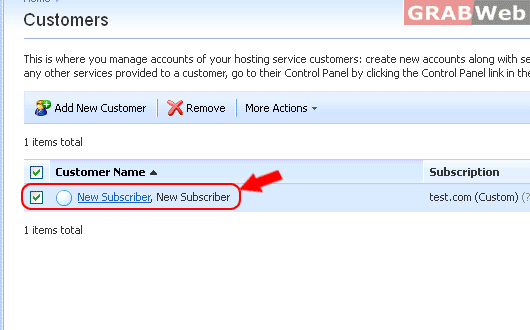
3) Click on the Customer name from the List.
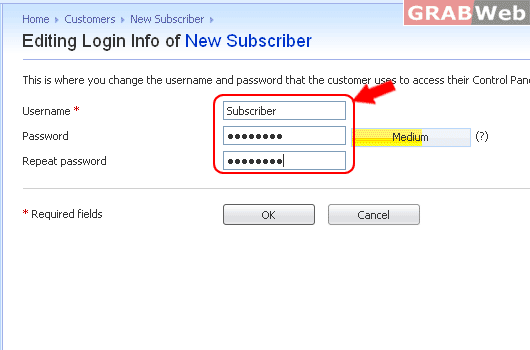
4) Click on Change Login info
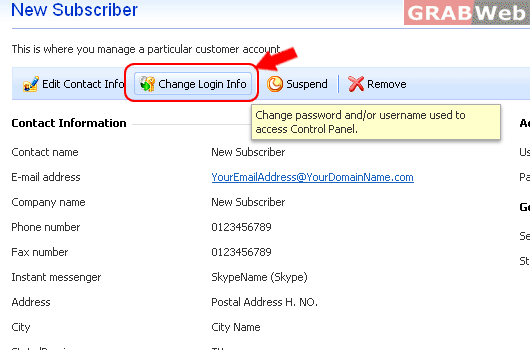
5) There you can change Customer Login infomation.
For Flash Tutorial : Click Here.
