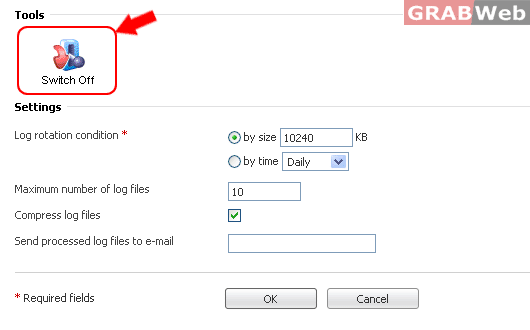
To configure logs in the Plesk, please follow the following steps:-
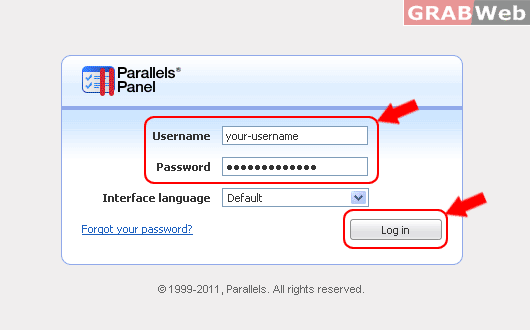
1) Login to your Plesk control panel.
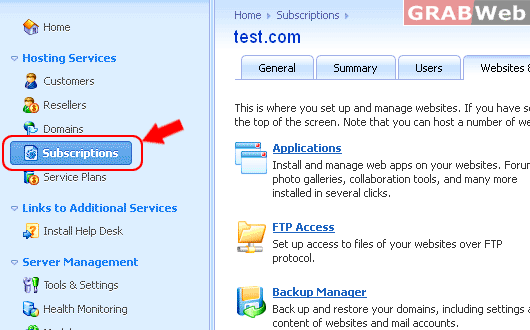
2) Click on "Subscriptions"
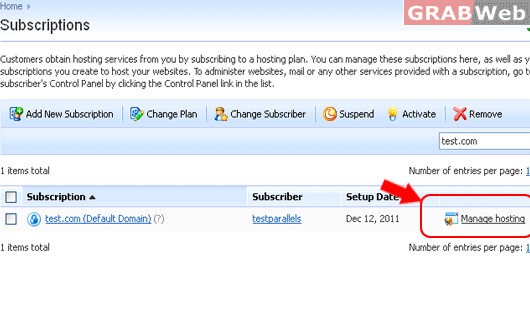
3) Click on "Manage Hosting" in front of the domain whom enable the log rotation.
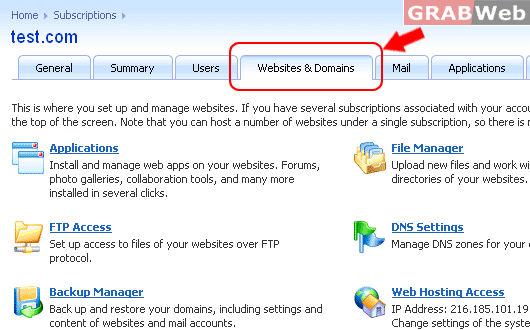
4) Click on "Websites and Domains".
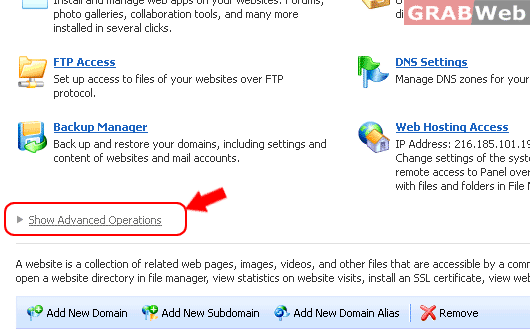
4) Click on " Show Advanced Operations ".
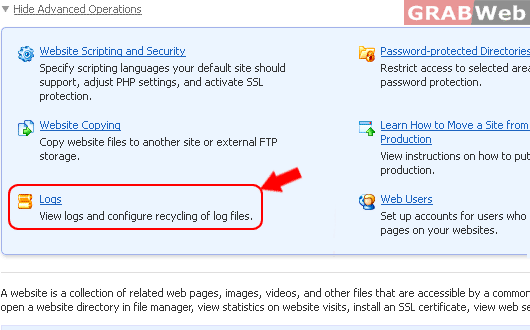
5) Click on "Logs".
6) Click on "Log rotation".
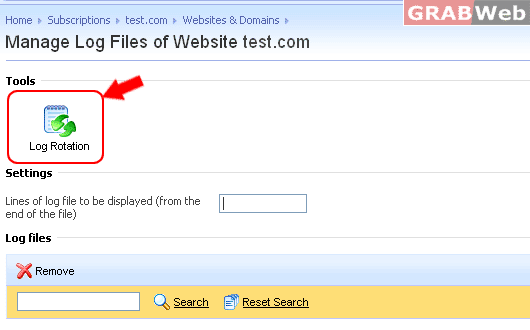
7) Click Switch On in the Tools group.
If you see only Switch Off there, this means that log recycling is already switched on.
Specify when to recycle log files and how many instances of each log file to store on the server.
Also specify whether they should be compressed or not and sent to an e-mail address after processing.
Click on "OK"once you have made the required setings.