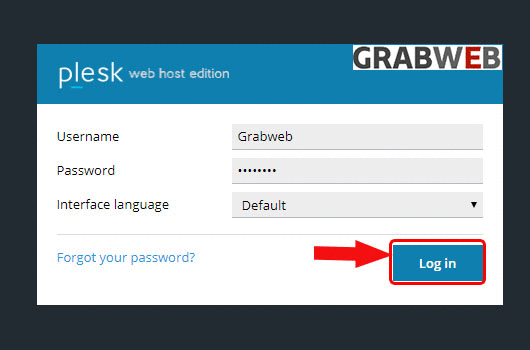
- Login into Plesk Panel.
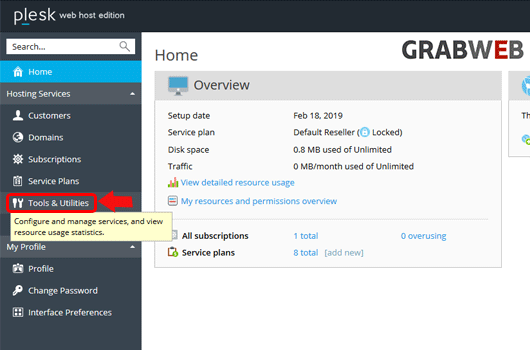
2. Click on the "Tools & Utilities" button on the left side of the screen as marked in the image.
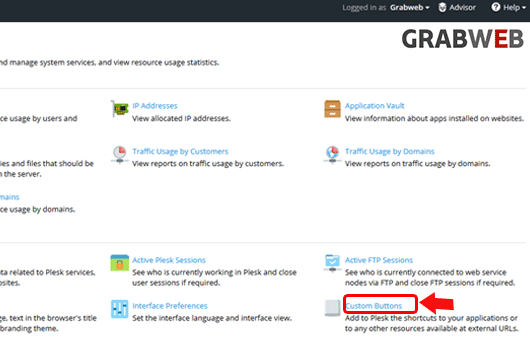
3. Click on the "Custom Buttons" button at the right side of the screen as marked in the image.
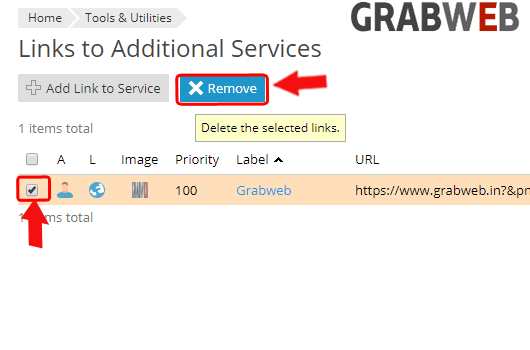
4. Select the Custom button which you want to remove and click on Remove button name as marked in the image.
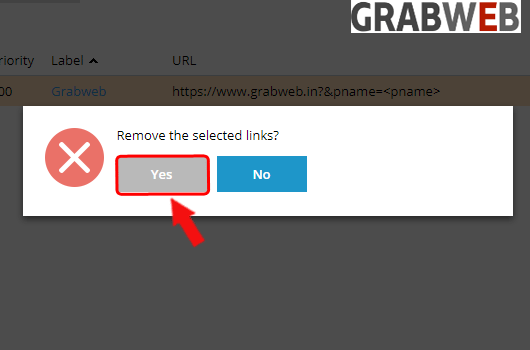
5. Plesk will again ask for final confirmation, if you want to remove then click on Yes.
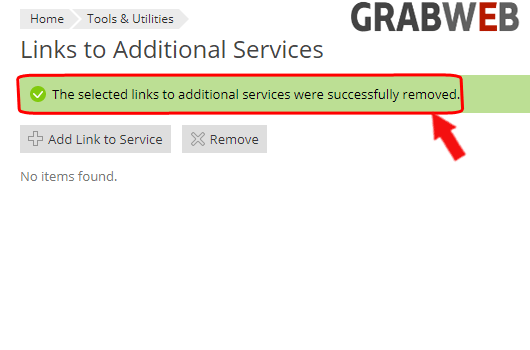
6. Here you can see the information in green bar that your custom button removed successfully.