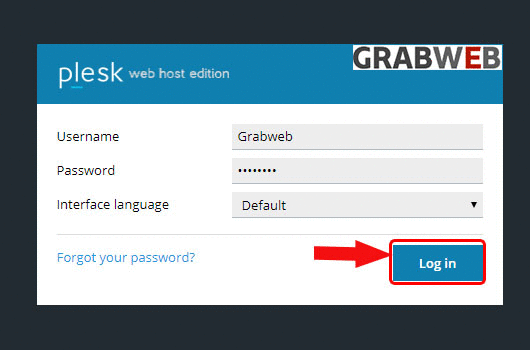
1. Login into Plesk Panel.
2. Click on the "Subscriptions" button on the left side of the screen as marked in the image.

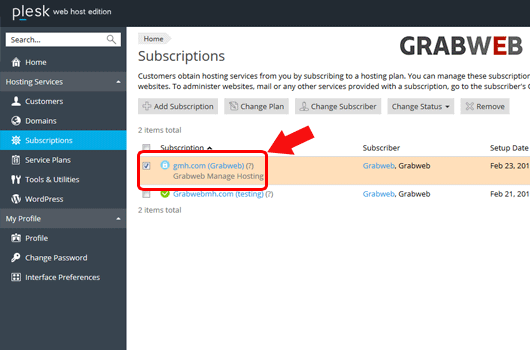
3. Select the "Subscriptions Name" as marked in the image.
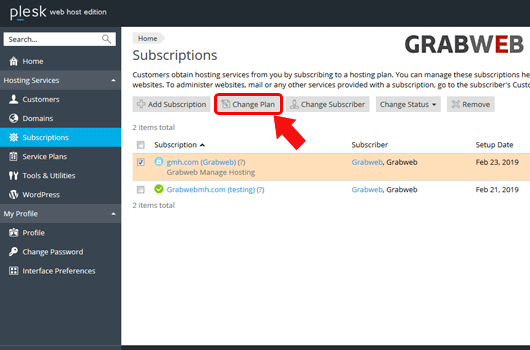
4. Select on the "Change Plan" button as marked in the image.
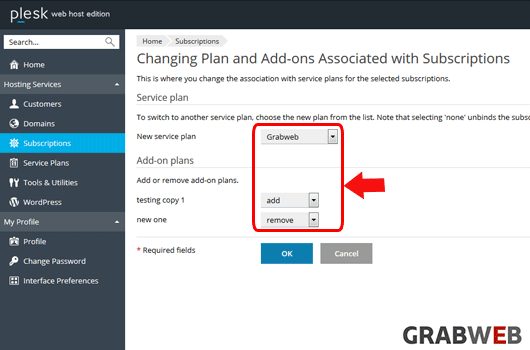
5. Select the Service plan as marked in the image.
6. Click "Ok" to save.
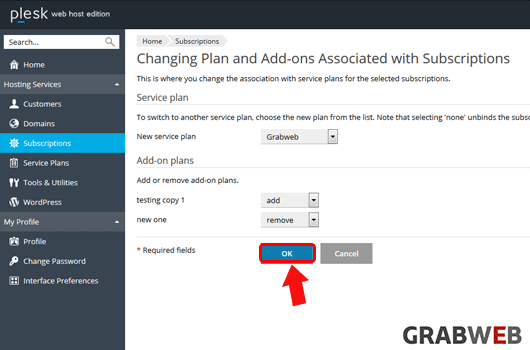
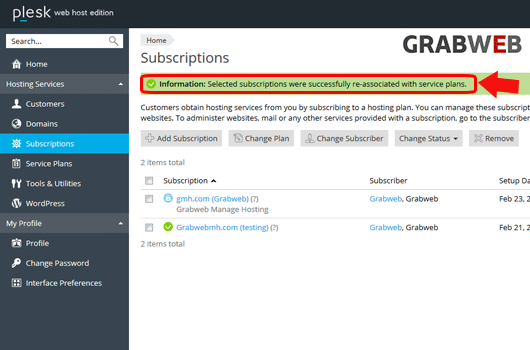
7. Service plan has successfully assigned to subscription as marked in the image.