- Login into Plesk Panel.

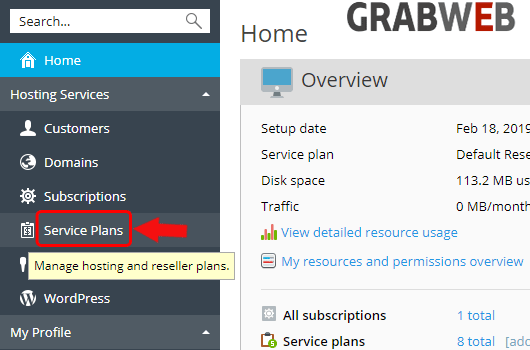
2. Select "Service Plans" at the left side of the screen as marked in the image.
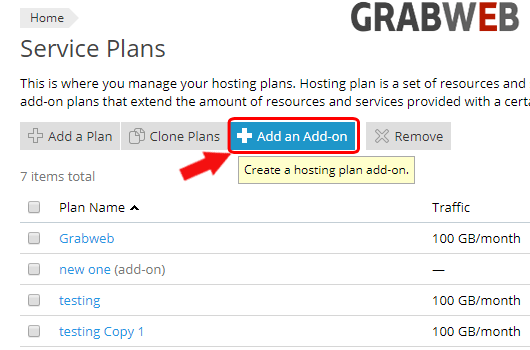
3. Click on the "Add an Add on " button as marked in the image.
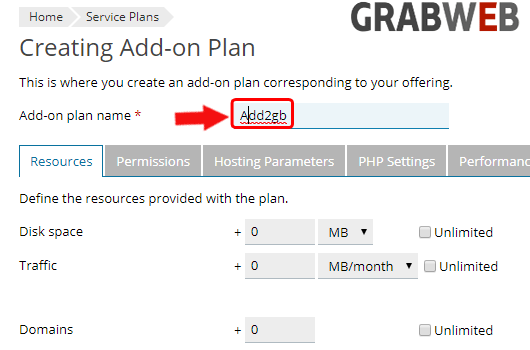
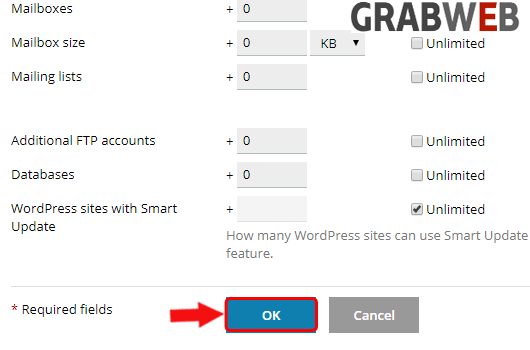
4. Enter the detail as per your need and it will be added in your current plan as marked in the image.
5. Select "Ok" to save
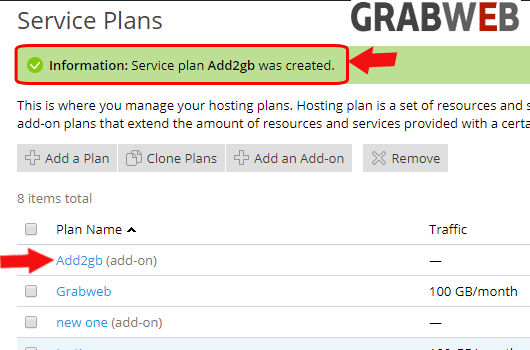
5. Here you can see your addon plan is created successfully.