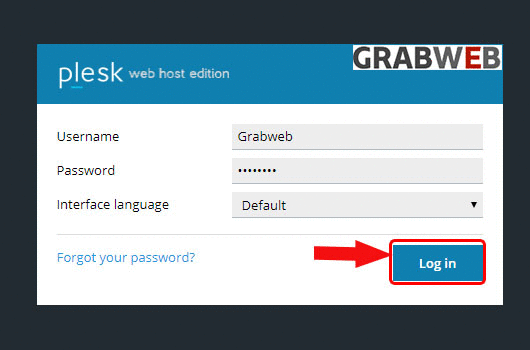
1. Login into Plesk Panel.
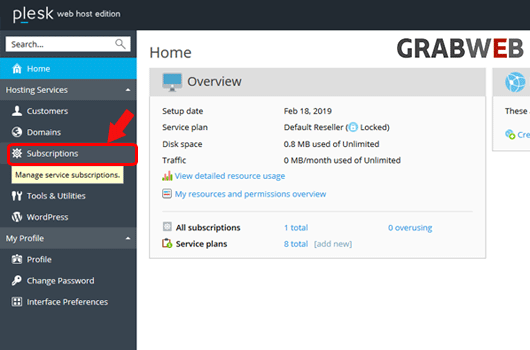
2. Click on the "Subscriptions" button on the left side of the screen as marked in the image.
3. Click the "Subscriptions Name" as marked in the image.

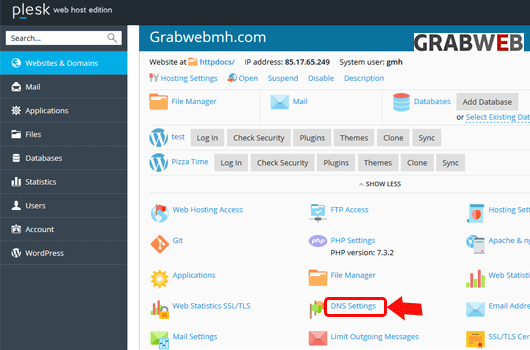
4. Select the "DNS Settings" button as marked on the image.
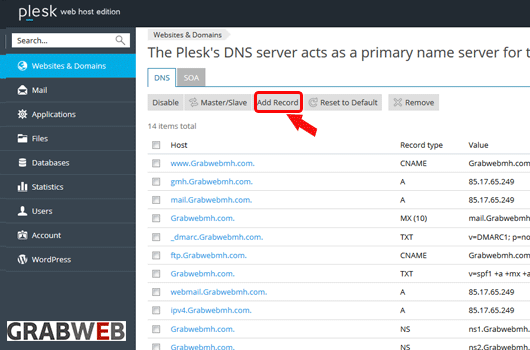
5. Select on the "Add record" button as marked in the image.
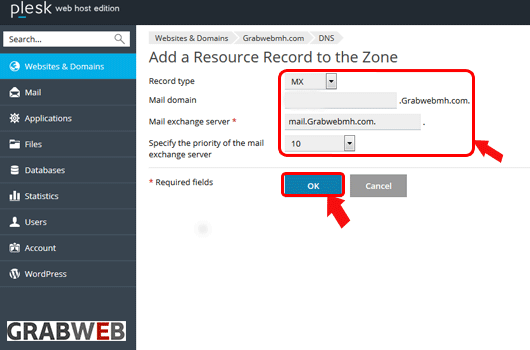
6. Enter the Information of record and select "Ok".
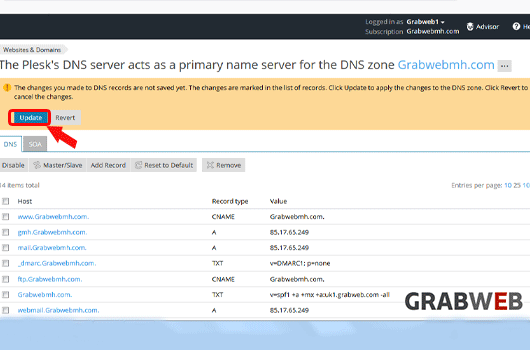
7. Click on the "Update" button to save record in DNS list as marked in the image.
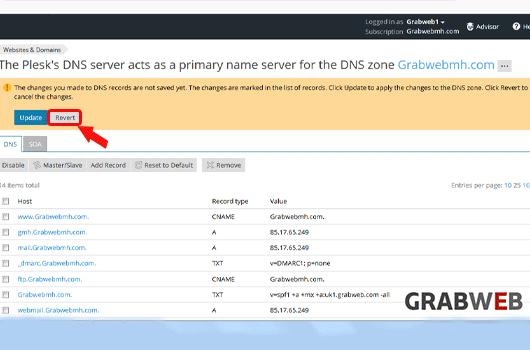
8. Click on the "Revert" button if you do not want to save the latest updated records.
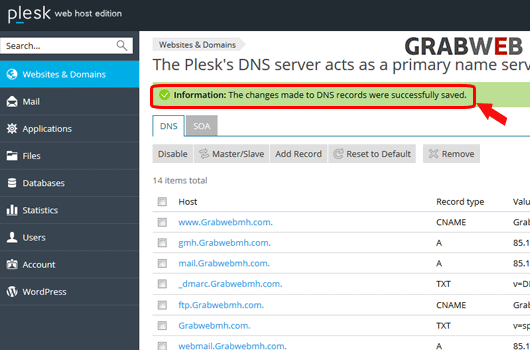
9. Settings updated successfully as marked in the image.