
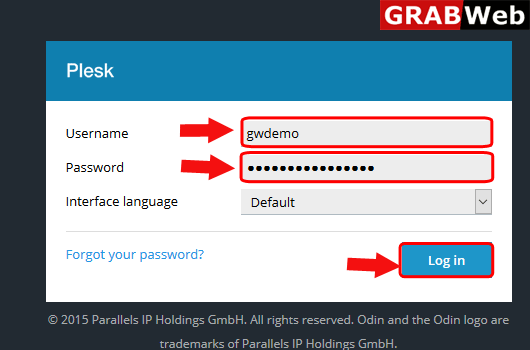
1)Login to Plesk control panel.
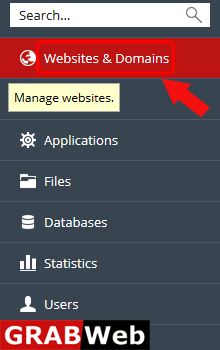
2)Click on Websites & Domains Tab.
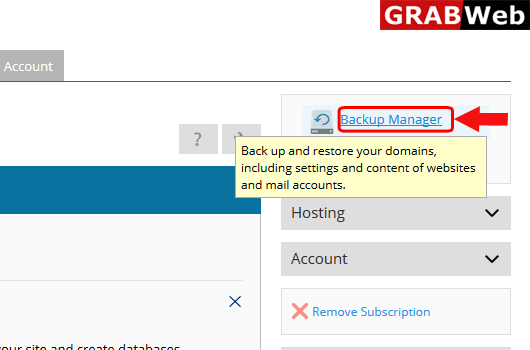
3)Click on Backup Manager at the right hand side.
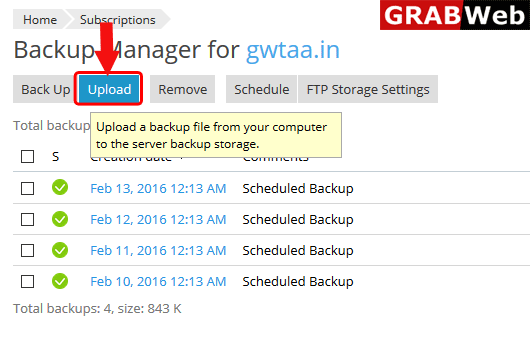
4)Click on Upload as shown bellow.
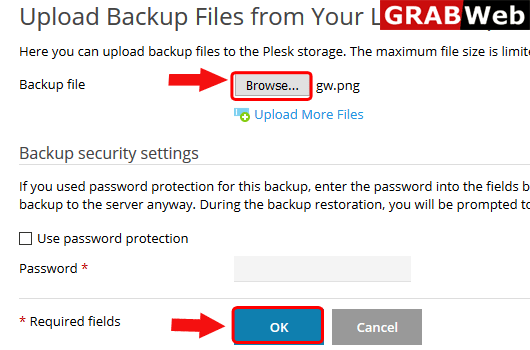
5)Click on Browse then select the file and click on OK.
To create backup of subscription follow the following steps:-1)Login to Plesk control...
To remove backup of a subscription follow the following steps:-1)Login to Plesk control...
To schedule the backup in plesk for subscription follow the following steps:-1)Login to Plesk...
