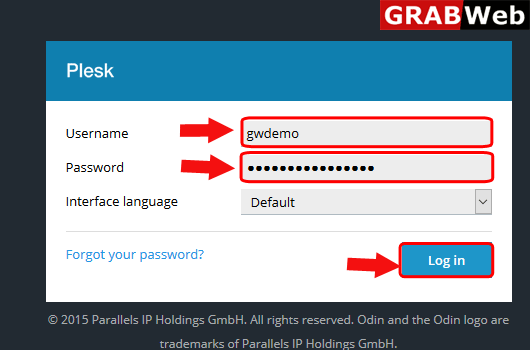
1)Login to Plesk control panel.
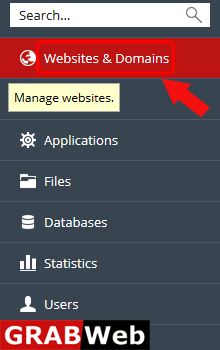
2)Click on Websites & Domains Tab.
3)Click on SHOW MORE option.
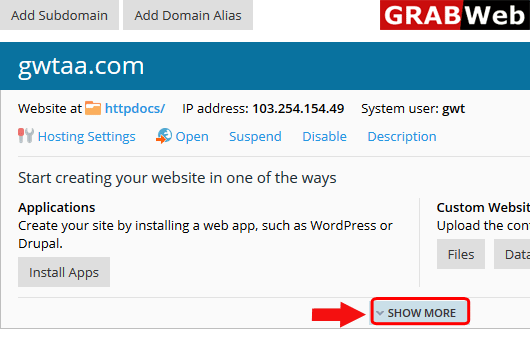
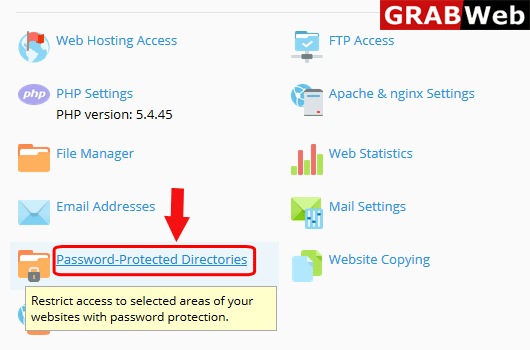
4)Click on Password-Protected Directories.
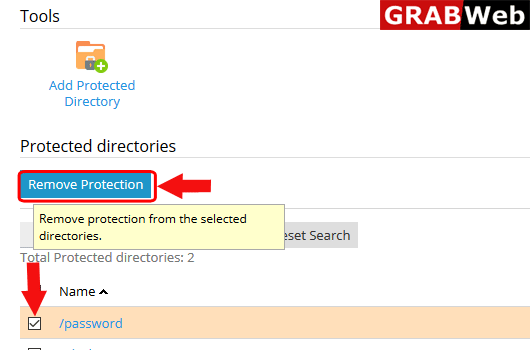
5)Select the directory and then click on Remove Protection.
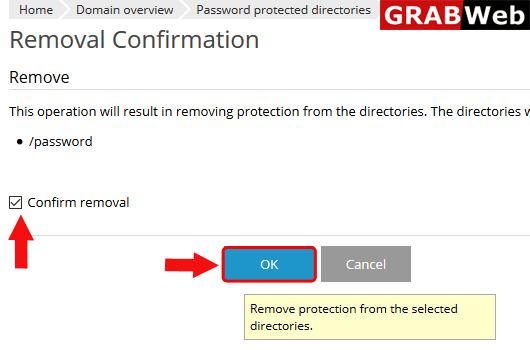
6)Confirm removal and then click ok.
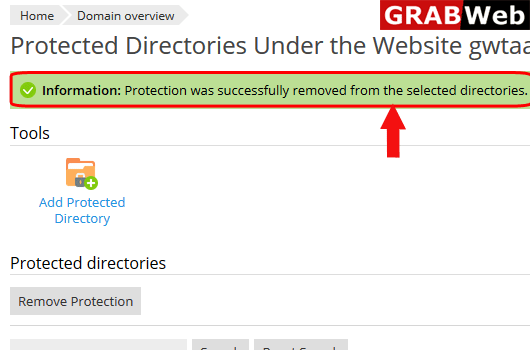
7)Here you can see the information:Protection was successfully removed from the selected directories.