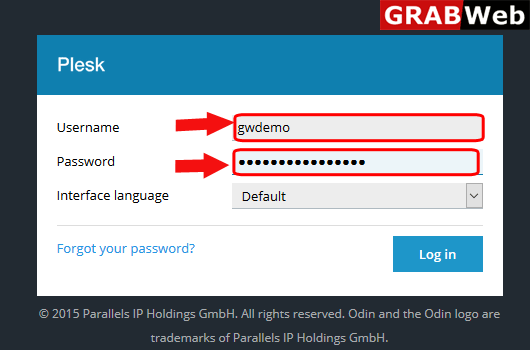
1)Login to Plesk control panel.
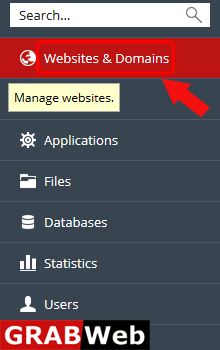
2)Click on Websites & Domains Tab.
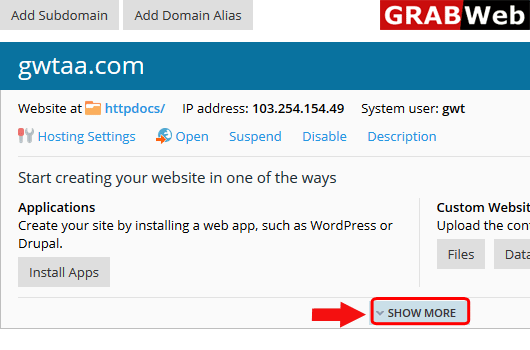
3)Click on Show More option.
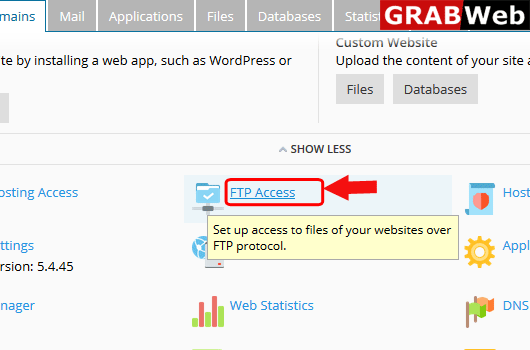
4)Click on FTP Access.
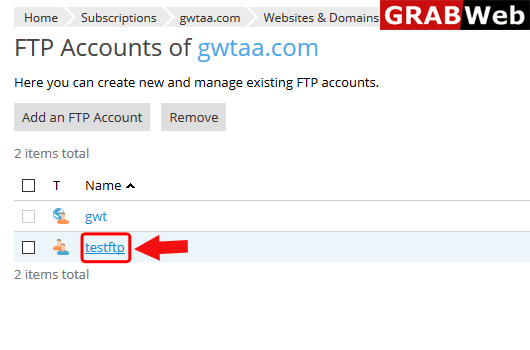
5)Click on the ftp account name whos account password you want to change.
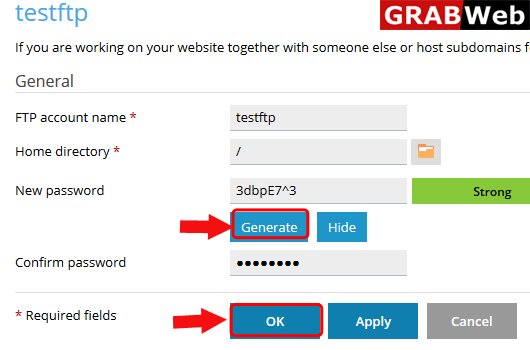
6)Generate new password ,save and then click on OK.
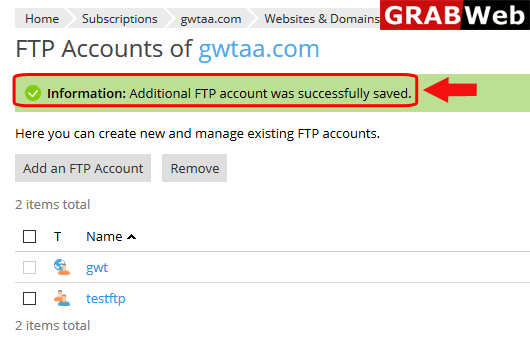
7)Here you can see the Information:Additional FTP account was successfully saved.