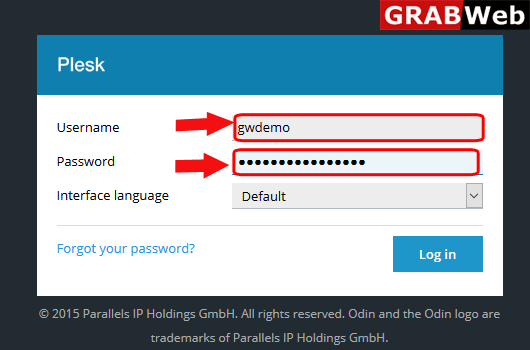
1)Login to Plesk control panel.
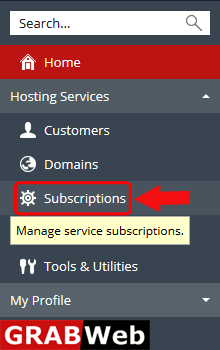
2)Click on Subscriptions.
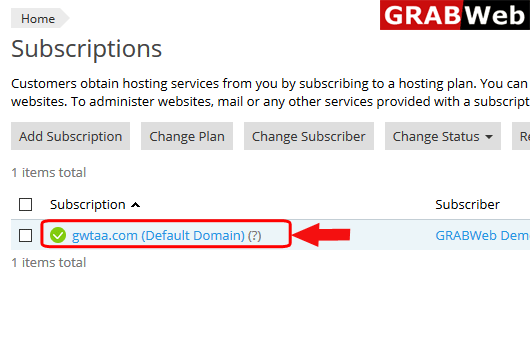
3)Click on subscription name.
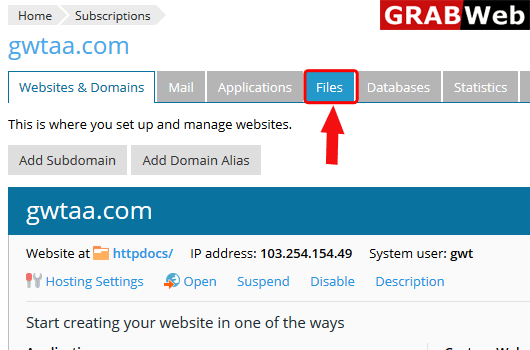
4)Click on Files tab.
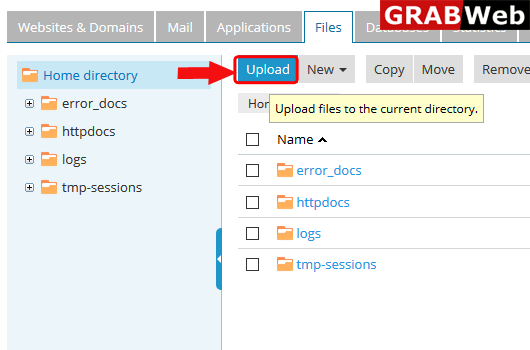
5)Click on Upload.
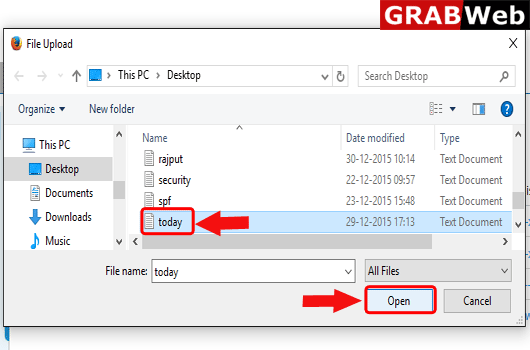
6)Select the file from local computer and then click on Open.
7)Here you can see that uploading is start.
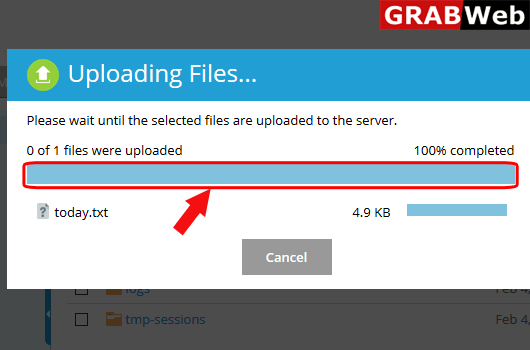
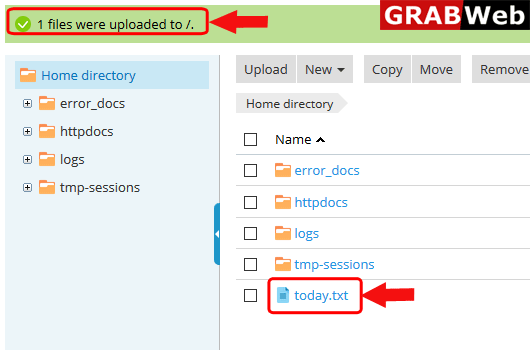
8)Here you can see that file was uploaded successfully.