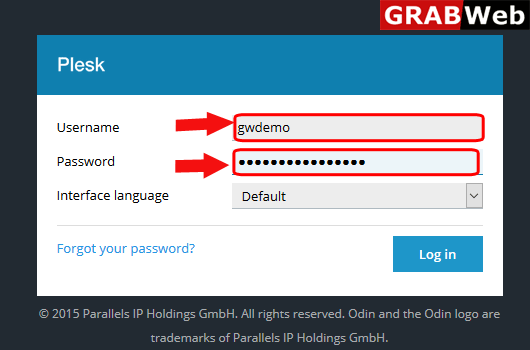
1) Login to your Plesk control panel.
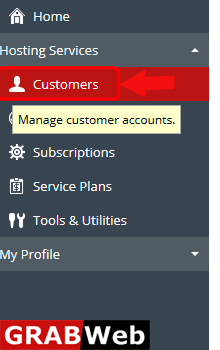
2) Click on Customers tab.
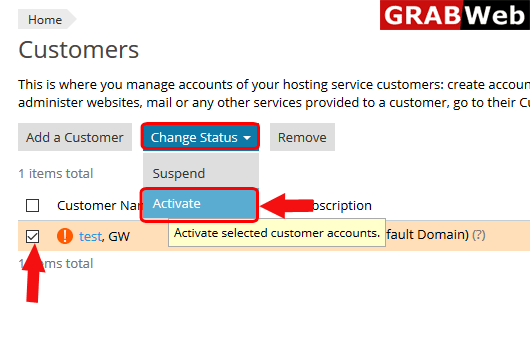
3) Select the check box of Suspended customer or the customer which you want to activate and then click on change status.
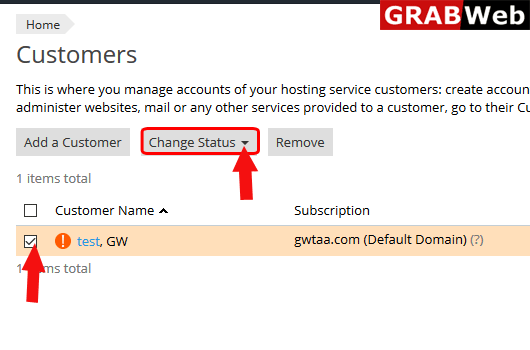
4) Select Activate option form the the list.
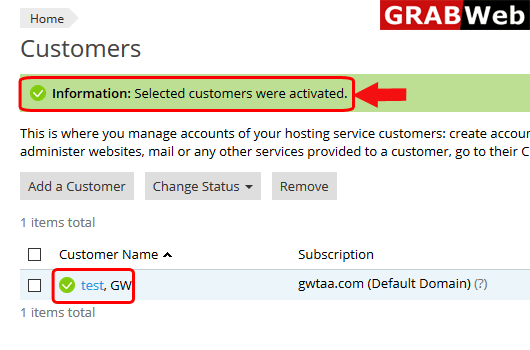
5) Here you can see the information that Selected customers were activated.