
1)Login to Plesk control panel.

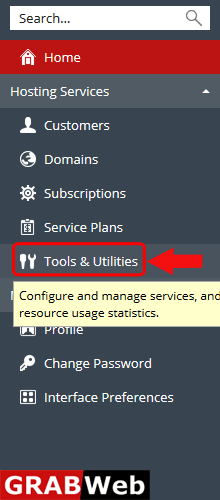
2)Click on Tools & Utilities.
3)Click on IP Addresses.
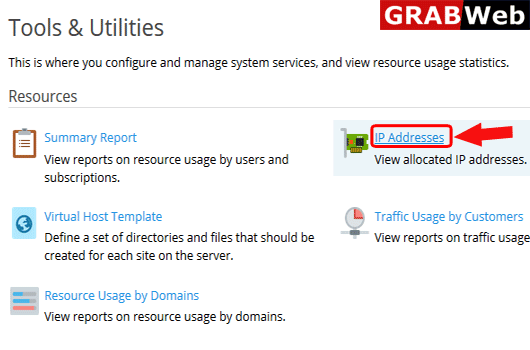
4)Here you can see the all ip address for your account.

Custom Buttons are basically shortcuts for urls.Follow the following steps to add the custom...
Virtual host template contain some directory and files which is automatically added to new...
To check how many users are currently using FTP through active FTP session in plesk follow the...
To check how many users currently using the plesk through active plesk session in plesk follow...
To check complete summry report of reseller account follow the following steps:-1)Login to Plesk...
