
Web users are primarily used for creating an additional login for a directory on your account.
(ie: If your domain is your-domain.com and web user is ‘principal,’ the web user would have
a separate login for domain.com/~principal).
To create the web users in Plesk Please follow the following steps:-
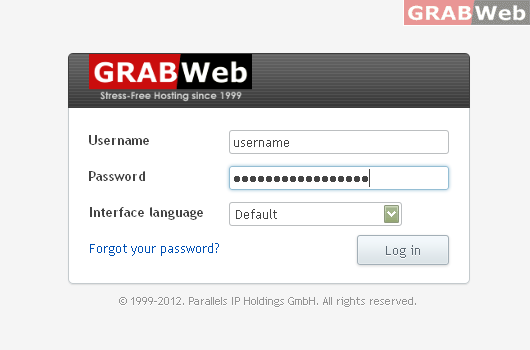
1) Login to Plesk control panel.
2) Click on "Subscriptions".

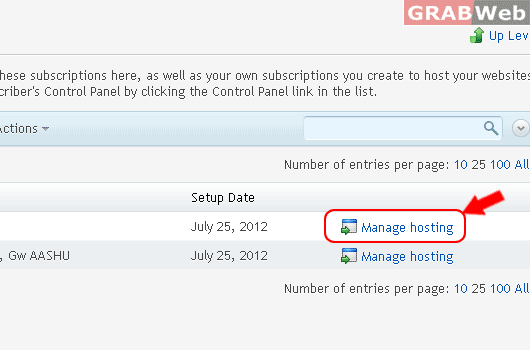
3) Click on "Manage Hosting" in front of the domain whose files permission you want to change.
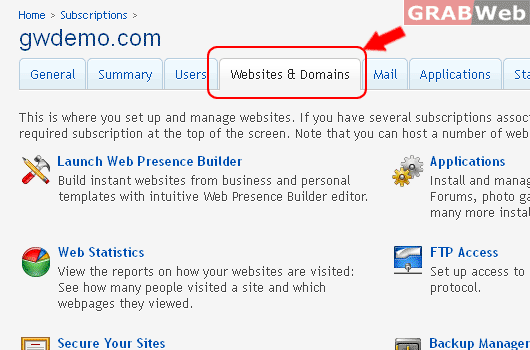
4) Click on "Websites and Domains".
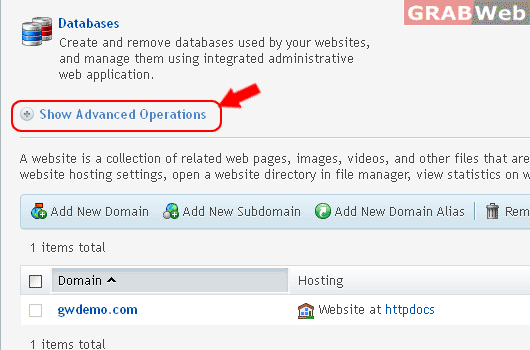
5) Click on " Show Advanced Operations ".
6)Click on "Web Users"
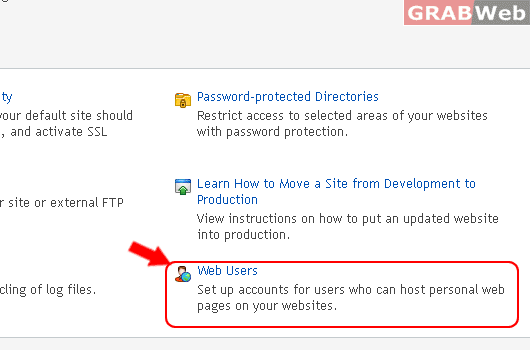
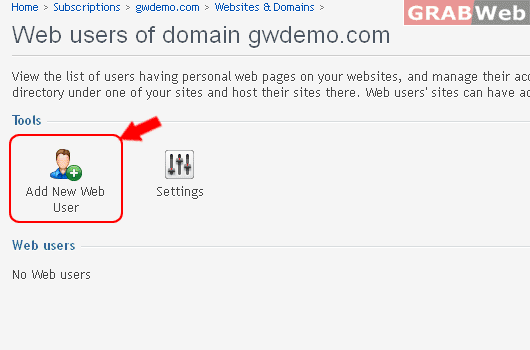
7) Click "Add New Web User".
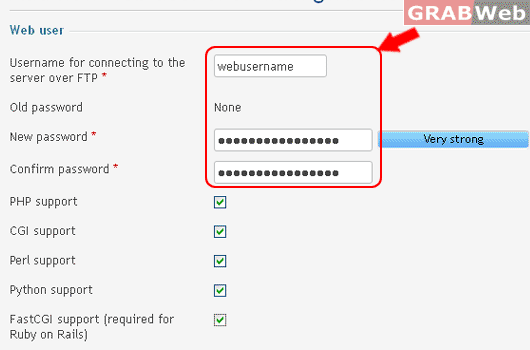
8) Specify a username and a password that will be used for accessing the webspace through
FTP and publishing the web pages.
9) Click OK.
